Content collections
Content Collections are for structured content that you publish item by item, such as articles, projects, case studies or galleries, with a design made to measure for your website. Each collection has a list of items (shown as cards on a page) and, if you like, a detail page for every item. Items can be translated, sorted into categories and published one language at a time.
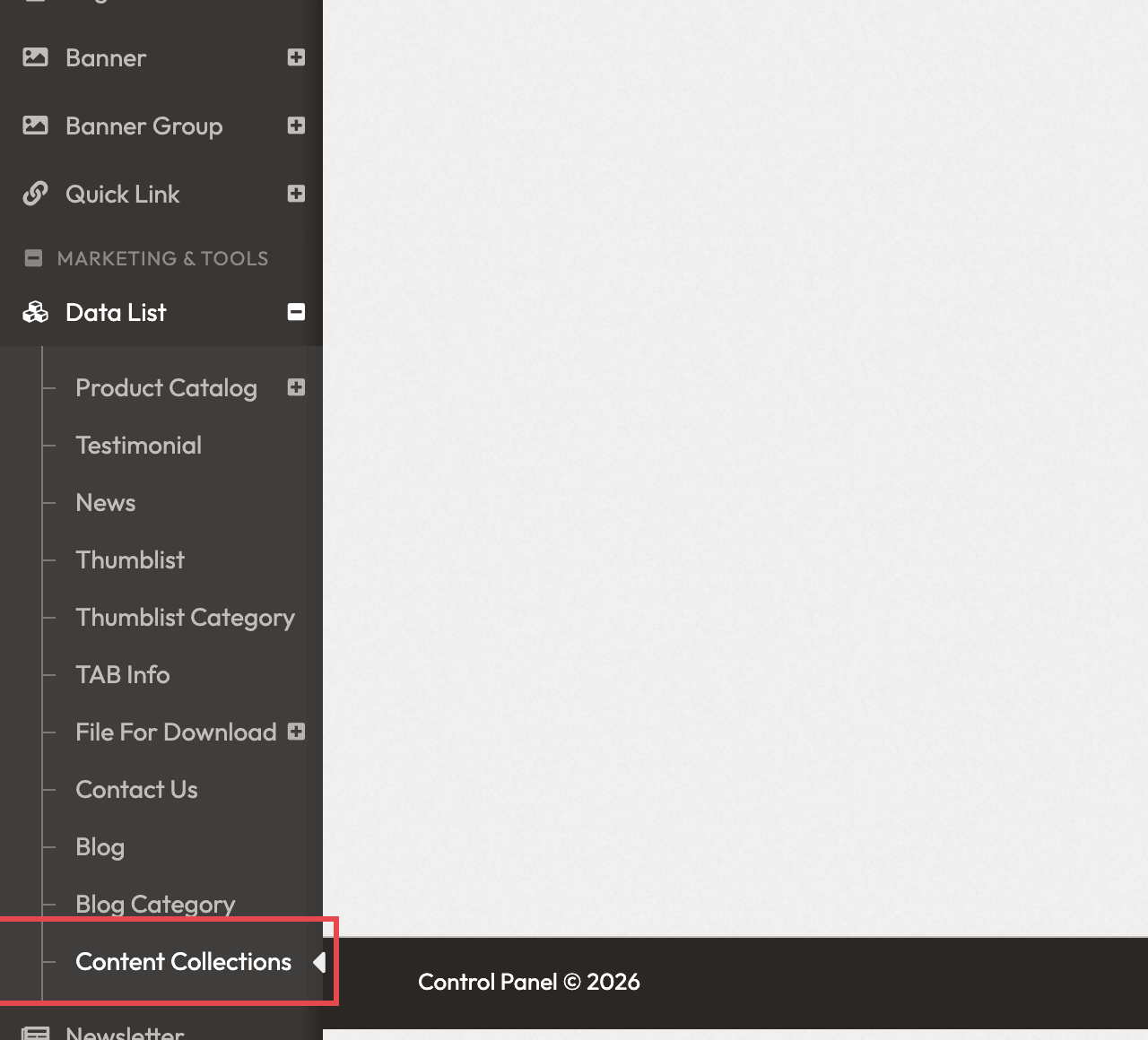
Where to find it
In the left menu, click Data List, then Content Collections. The screen lists your collections, with + Create collection to add one.
Who sets it up
The look of the list and of the detail pages is written in HTML, in the collection's list and detail templates. A collection is shown on a page through an Editable Content Block section whose HTML has a place for the collection. Setting this up is a job for a web designer, or for EZsite: ask EZsite if you would like a collection on your website. Once it is set up, you add and publish the items yourself.
Good to know
- If you only want to publish articles or news, use the blog instead: see Blog. It works without any HTML.
- The Content Collections screens are in English only, also in the Chinese admin.
- Your role needs the Data List row to open Content Collections (see Create a role).
- Saving an item keeps it as a draft; it appears on your website only after you publish it in each language.